
UptimeRobot is where a lot of people start, and for good reason: a generous free tier, a friendly setup, and "is my site up?" answered in a couple of minutes. The search for an UptimeRobot alternative usually starts later, when you need faster checks, better alerting, more visibility across regions, or monitoring that fits the way your team works. This guide walks through why teams move on and how to pick the right alternative for where you're headed.
Updated November 2, 2026. Every price and limit below is from the vendor's own pricing page, read that day. I run Sentinel, one of the eight tools here, so this is one vendor's comparison with the numbers checked, and each entry says where that tool is the better pick.
The eight alternatives at a glance
| Alternative | Fastest check | Regions per check | Free tier | Five people at 30-second checks |
|---|---|---|---|---|
| Sentinel | 15 sec | All 15, every cycle, every plan | 10 monitors, 5 min, all 15 regions | Pro, $29/mo, 5 members included |
| Better Stack | 30 sec | Incidents verified from 3+ locations | 10 monitors, personal projects | $170/mo: 10 monitors included, 5 responder seats at $34 |
| Checkly | 30 sec uptime, 10 sec API | Round robin across 22 on Team | 10 monitors, 2 min, 1 user | Team, $64/mo billed annually, 10 users |
| Hyperping | 20 sec Business, 30 sec below | 18 regions, scheduling not published | 20 monitors, 5 min, 1 seat | $38/mo billed yearly: Essentials $24 plus 2 seats at $7 |
| HetrixTools | 60 sec | Every selected location, every minute | 4 locations | No 30-second tier. Professional $9.95/mo at 1 minute |
| Pingdom | 60 sec | 1 of 100+ probes per check | None, 14-day trial | No 30-second tier. From $16.50/mo for 10 checks, unlimited users |
| StatusCake | 30 sec | Custom locations, count not published | 10 monitors, 5 min | Business, $79.99/mo ($66.66 annual), team tools included |
| Uptime Kuma | 20 sec | Wherever you host it | Free, self-hosted | Your server bill |
UptimeRobot, for the same column: 15 seconds on Scale ($98/mo, $79 annual), one rotating location per check, 50 monitors free at five minutes, and five people at 30-second checks is Team at $46 plus two extra seats at $19, $84 a month. Prices from uptimerobot.com/pricing on November 2, 2026.
Why People Outgrow UptimeRobot
UptimeRobot is more capable than people give it credit for: alongside HTTP it does SSL expiry, DNS, keyword, port, ping, and cron/heartbeat checks with multi-region checking. So the reasons to move on are usually less about missing check types and more about cost at scale, how outages get verified, and how the tool fits the way your team works. Be specific about what's pushing you:
- You've outgrown the free tier. UptimeRobot's free plan is generous and allows commercial use, but its Fair Use Policy means heavier usage may require moving to a paid plan. If you're monitoring a growing number of sites, compare what you'll actually pay as your monitor count and check frequency increase.
- The add-ons start adding up. The headline plan price isn't always the whole cost. SMS alerts use separate credits, and UptimeRobot offers additional paid products and upgrades alongside its core monitoring plans. If you keep running into another purchase for something you expected monitoring to include, it may be worth comparing the total cost of the setup you actually need.
- You want faster checks or stronger outage verification. Faster check intervals sit on UptimeRobot's higher tiers. And if a single monitoring location fails to reach your site, you may want independent regional checks to confirm the outage before anyone gets alerted.
- Monitoring has become part of your infrastructure. Once uptime monitoring is shared across a team or tied into deployment and incident workflows, you may need more than a standalone dashboard. API access, infrastructure as code, integrations, flexible alert routing, and clear regional visibility start to matter.
Start with the reason you're looking for an alternative. The best replacement isn't necessarily the tool with the longest feature list. It's the one that solves the limitation you've actually hit.
The Criteria That Actually Matter
Compare alternatives on the dimensions that quietly decide fit, not just the headline monitor count:
- Check types included in one place: HTTP/HTTPS, SSL, DNS, keyword/content, ICMP ping, TCP ports, and heartbeat/cron, so you're not stitching several tools together.
- Check frequency and detection speed: Look at both the available check intervals and which plans unlock them. A five-minute interval can leave an outage undetected for several minutes, while faster checks shorten the time between failure and detection.
- Multi-region checking and outage confirmation: Check whether monitors run from multiple locations on every check, how regional failures are reported, and what actually triggers an incident. A single failed region shouldn't necessarily mean your site is down.
- Alerting and integrations: Make sure alerts can reach the tools your team already uses, whether that's email, SMS, Slack, Discord, Teams, webhooks, or an incident management platform. Just as important, check whether you can control who gets notified and when.
- Status pages and reporting: If monitoring is customer-facing, look for custom domains, branding controls and incident history on the status page, and reports you can actually share with customers or stakeholders.
- API and infrastructure as code: If monitoring is part of your infrastructure, look for a full read/write API, CLI or Terraform support so monitors don't have to be created and maintained manually in a dashboard.
- The real price, not the headline price: Compare what you'll actually pay for the setup you need, including monitor limits, check frequency, team access, SMS or phone alerts, status pages, reporting, and other add-ons. A cheaper base plan isn't necessarily cheaper once everything you need is turned on. See the pricing breakdown.
The Best UptimeRobot Alternatives
The table above is the shortlist. Here is each one, with what it costs and where it beats UptimeRobot.
Sentinel
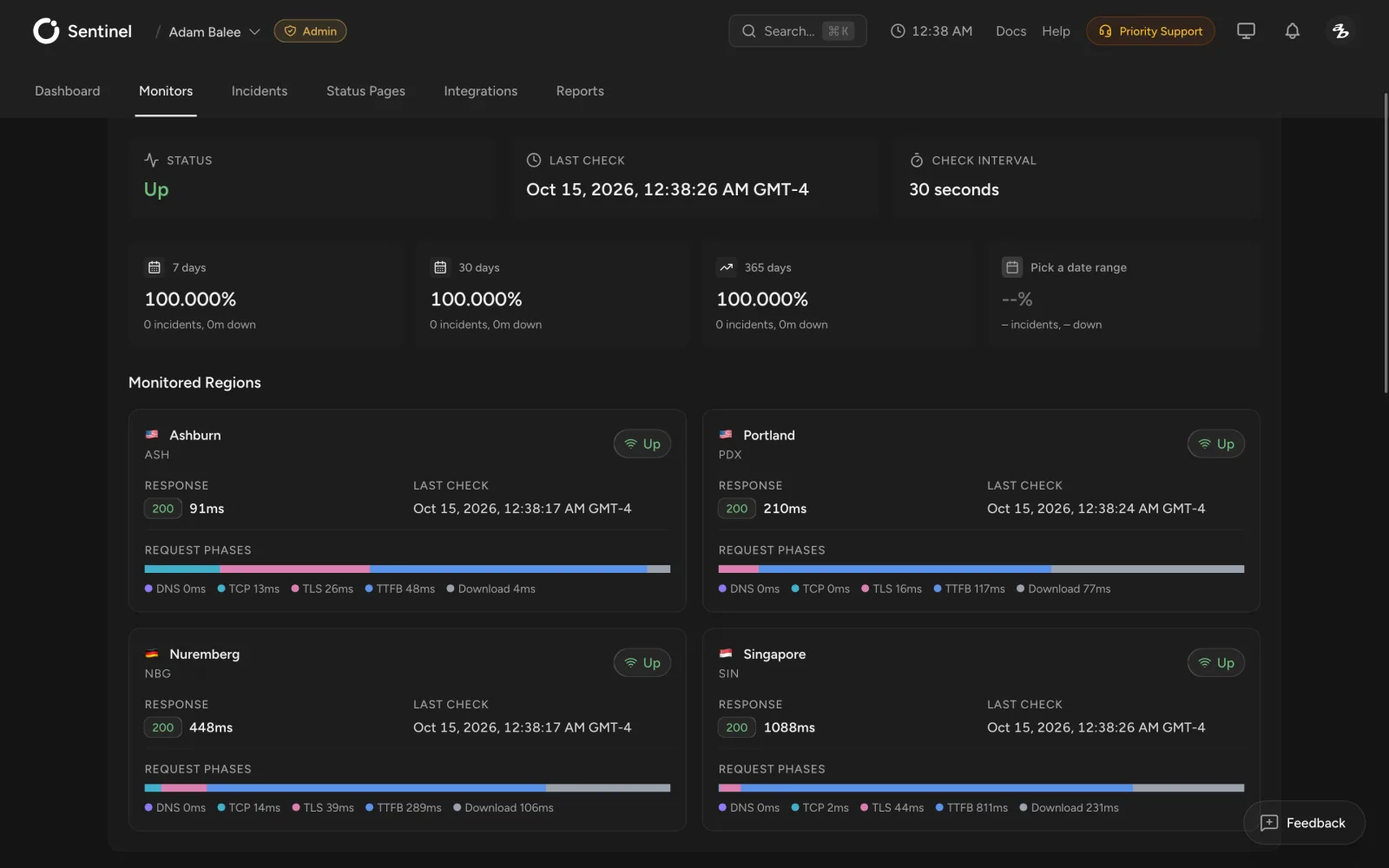
Sentinel is a strong UptimeRobot alternative for teams that want outside-in monitoring to behave more like infrastructure. Every enabled region runs the check on every cycle, regional results stay visible, and an incident opens only when at least half of the regions fail, three or more, on two continents. That applies on every plan, the free one included. Checks run every 15 seconds on Business ($79/mo, unlimited members), 30 seconds on Pro ($29/mo, 5 members), every minute on Starter ($14/mo) and every five minutes on Free (10 monitors, all 15 regions, no card).
Beyond HTTP uptime monitoring, Sentinel supports SSL, DNS, ping, port, keyword, cron and heartbeat monitoring, with alerting through email, SMS, Slack, Teams, Discord, Telegram, PagerDuty and webhooks. Developers can manage monitoring through the API, CLI, Terraform provider and MCP server instead of relying entirely on the dashboard.
Sentinel is a particularly good fit if regional visibility, infrastructure as code or integration with engineering workflows matters more to you than having an all-in-one observability suite. Branded status pages and scheduled uptime reports are included for teams that monitor on behalf of clients. The side-by-side with UptimeRobot goes feature by feature.
Better Stack
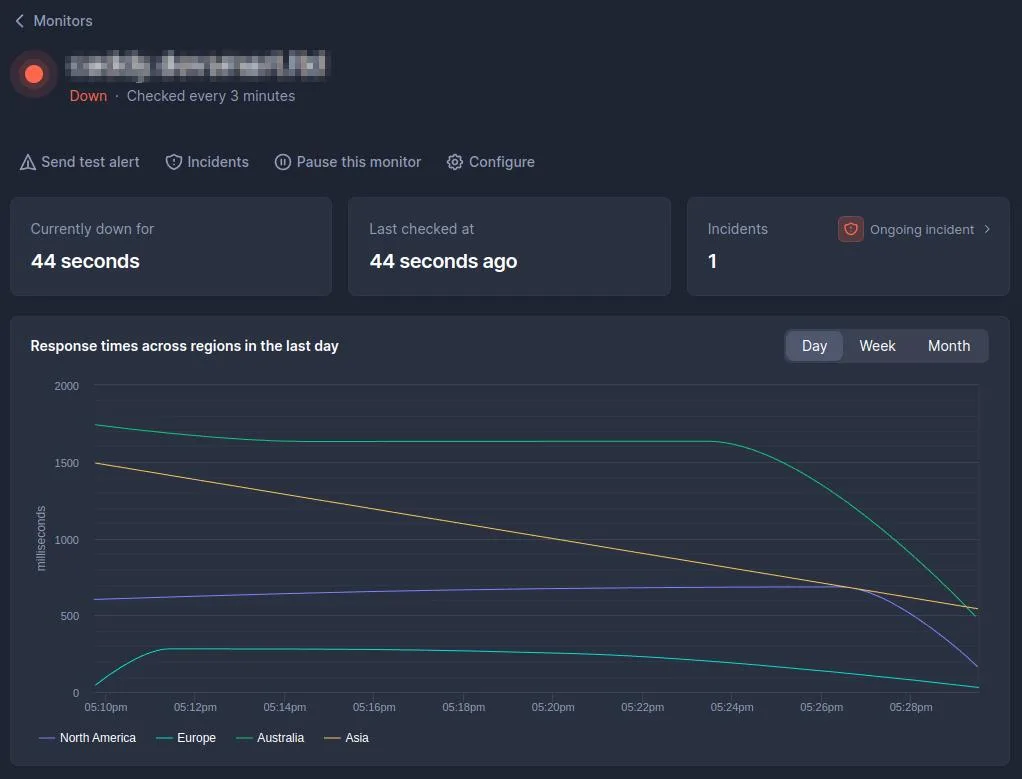
Better Stack combines uptime monitoring with incident management, on-call scheduling and log management in one platform. Checks run as often as every 30 seconds and every incident is verified from at least three locations before it alerts. It's the stronger fit if you want monitoring, incidents and logs together. Pricing is by the unit rather than a flat plan: 10 monitors are included, each additional 50 is $25 a month ($21 billed annually), and anyone who gets paged needs a responder seat at $34 a month ($29 annually). The free tier is 10 monitors and one status page, described as for personal projects. If you only want outside-in uptime monitoring, price the seats before the monitors. Sentinel vs Better Stack goes through the details.
Checkly
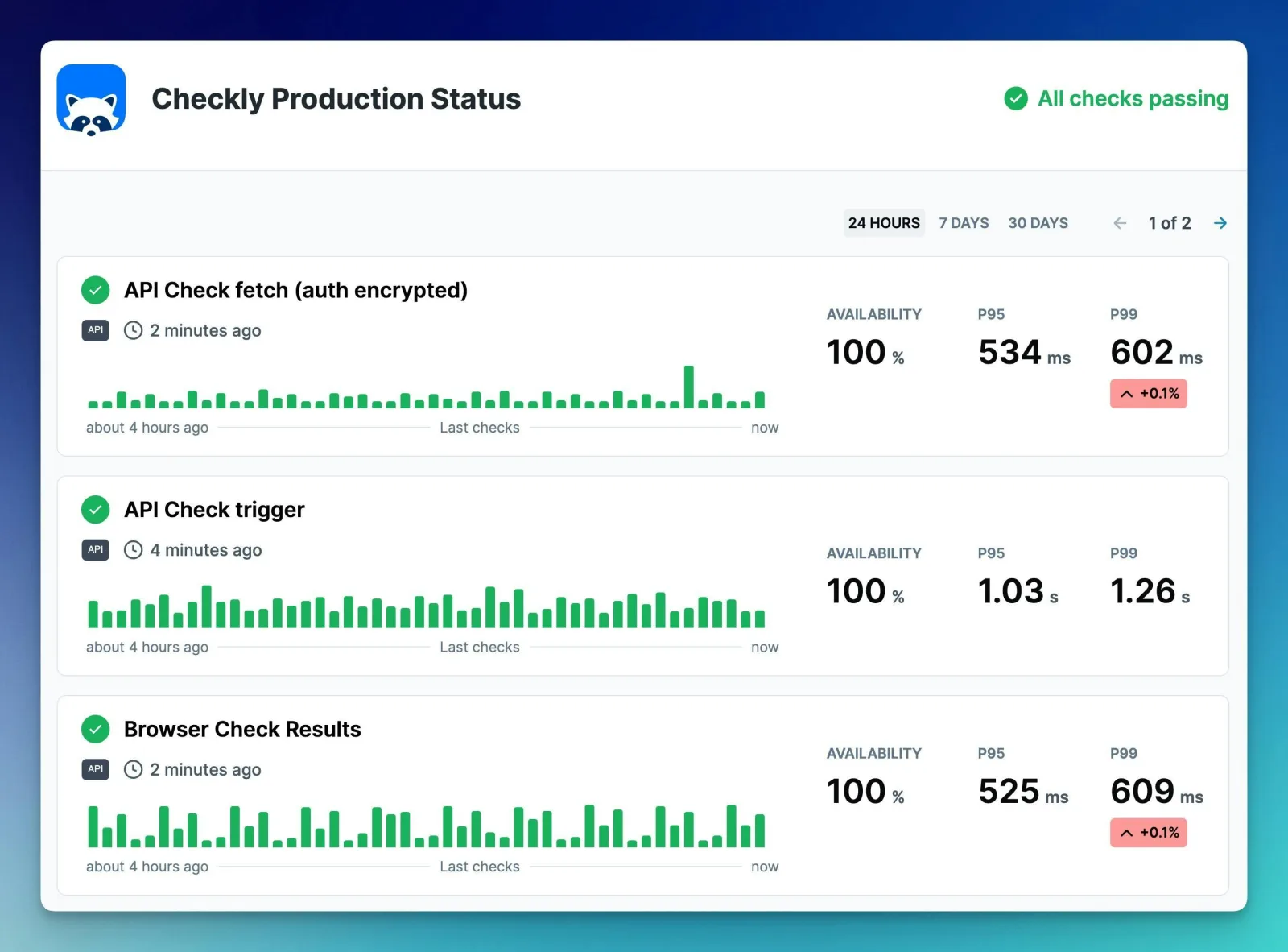
Checkly stands out when browser checks and scripted user journeys matter. If you need to test whether someone can log in, complete checkout or move through a multi-step application flow, that's a different capability from traditional uptime monitoring and an important reason to consider it. Checks are defined as code, there's a Terraform provider, and pricing combines a monitor count with check-run quotas, so model your usage before committing. Uptime monitors run as often as every 30 seconds on Team ($64 a month billed annually, 75 monitors, 10 users, all 22 locations) and API checks every 10 seconds. Hobby is free with 10 monitors at two-minute checks from 6 locations. Checks rotate round robin across locations on every plan, with parallel runs on Enterprise. If you're not sure you need scripted checks at all, synthetic monitoring vs real user monitoring explains the difference.
Pingdom
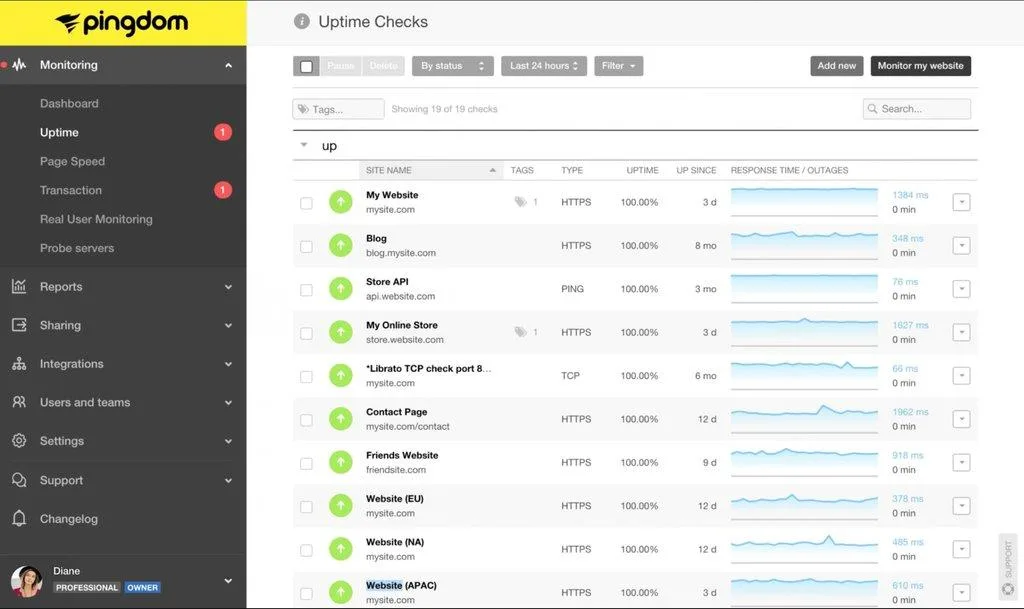
Pingdom, now part of SolarWinds, is the established name in website monitoring, with uptime, page speed and transaction checks from a large set of locations. It suits teams that want a well-known tool with performance monitoring alongside uptime. Checks run every minute from one of its 100 or so probes at a time, with one re-check on failure, and users are unlimited. Pricing starts at $16.50 a month billed annually for 10 uptime checks, one transaction check and 50 SMS, and there's no free plan beyond a 14-day trial. The bill grows as you add checks, which is the usual reason people start looking at Pingdom alternatives. Sentinel vs Pingdom covers the trade-offs.
StatusCake
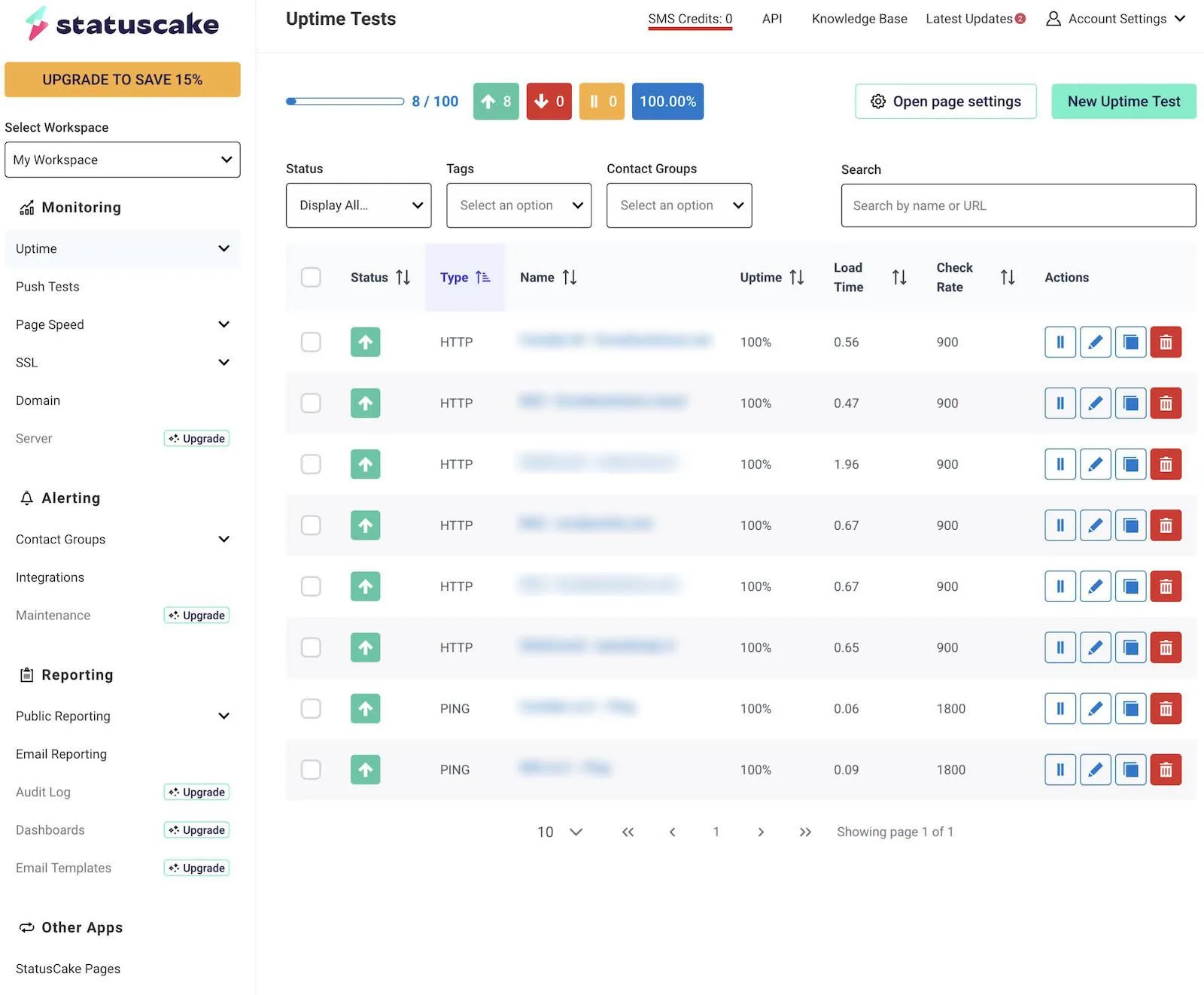
StatusCake is traditional hosted uptime monitoring with a broad feature set: uptime, page speed, SSL, domain and server monitoring, plus status pages. Free is 10 monitors at five-minute checks. Superior is $24.49 a month ($20.41 annually) for 100 monitors at one-minute checks, and Business is $79.99 ($66.66 annually) for 300 monitors at 30 seconds with team tools. It doesn't publish how many locations check each monitor. It's a sensible fit for agencies and small teams that want many check types at a low price. Compare it in Sentinel vs StatusCake, and if you monitor client sites, the agency buyer's guide covers what to look for.
Hyperping
Hyperping sits between a dedicated uptime monitor and an incident platform: monitoring, status pages and on-call in one product, with 18 monitoring regions. Checks run every 30 seconds on Essentials and Pro and every 20 seconds on Business. It's the pick if you want UptimeRobot's simplicity with incident management attached. Seats are charged: Essentials is $24 a month billed yearly with 3 seats and $7 for each extra, Pro $74 with 10 seats, Business $249 with 20. The free plan is 20 monitors at five-minute checks with one seat. Hyperping doesn't publish whether every region checks on every cycle, so ask if that matters to you.
HetrixTools
HetrixTools is the cheapest way to get real multi-location checks. Every plan checks once a minute, every location you've selected checks every minute, and an outage needs more than half of them to agree. Professional is $9.95 a month with 6 of its 12 locations, Business $19.95 with 9, Enterprise $49.95 with all 12, and Free gets 4. Server monitoring, status pages, an API and MCP access are on every plan. The trade-off is the interval: one minute is the fastest on any plan, so if 15- or 30-second detection is why you're leaving UptimeRobot, it isn't the answer.
Uptime Kuma
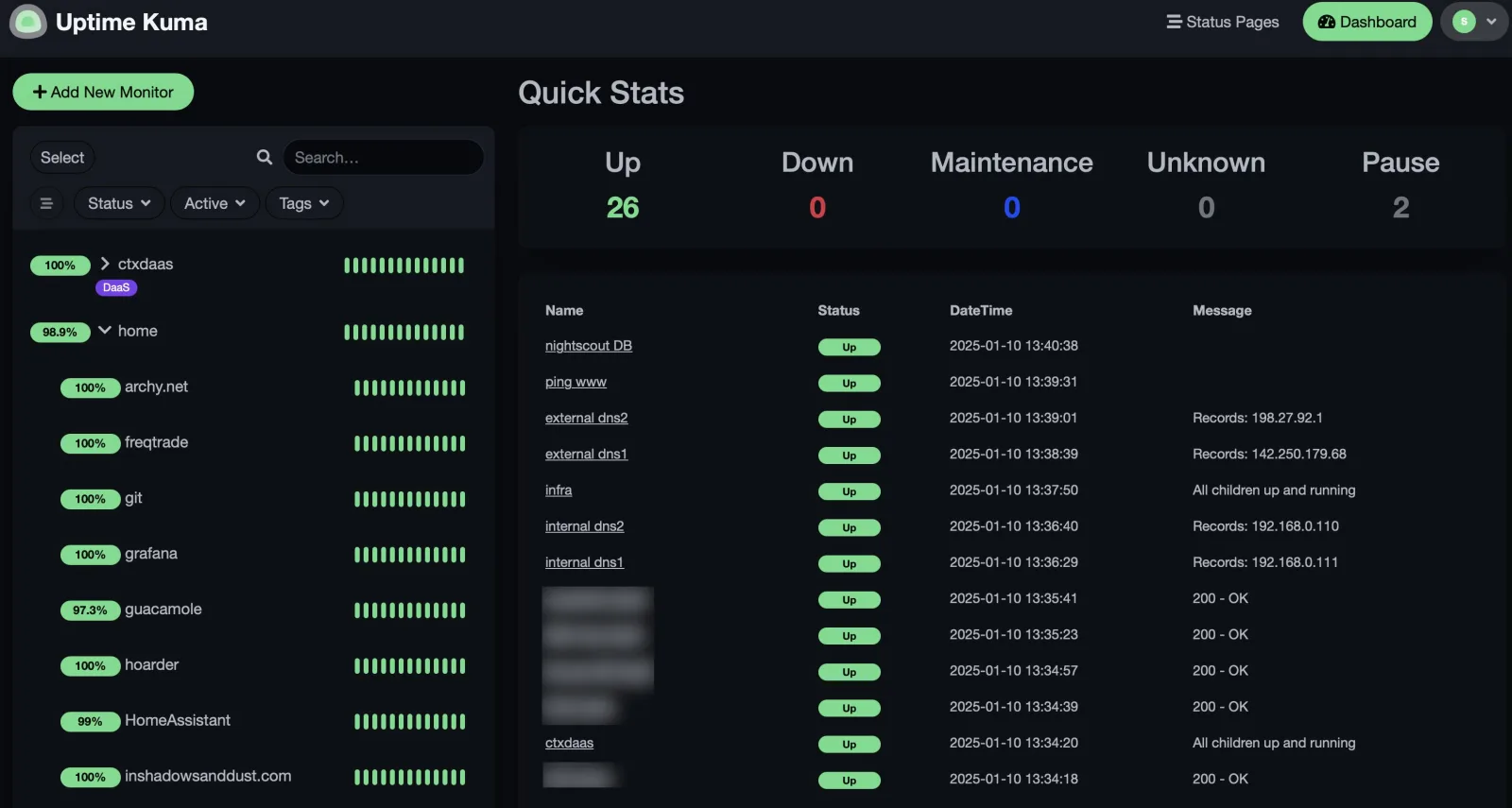
Uptime Kuma is compelling if you want open-source monitoring and are comfortable operating it yourself. The software is free, but you're responsible for hosting, upgrades, availability and making sure the monitoring system itself remains reachable. Run it somewhere other than the servers it watches, and have something external confirm it's up. Sentinel vs Uptime Kuma compares hosted and self-hosted side by side, and open-source uptime monitoring tools covers the wider field.
How to Test an Alternative Before You Switch
Shortlist two tools and run the same quick test on each before moving everything over:
- Add a real site and a deliberately broken URL, then confirm you get the alert and how fast.
- Set up the check types you actually need, like SSL and DNS, and confirm they're included.
- Publish a status page and check whether branding and a custom domain are available.
- Send a test alert to every channel your team uses to confirm routing.
- Model your bill at twice your current monitor count and your desired check interval.
A tool that feels fine at five monitors can get painful at fifty. Test for where you're going, not where you are.
How to Choose
Start with the limitation that made you search for an UptimeRobot alternative in the first place.
If you want a broader observability platform, look at Better Stack. If scripted browser journeys matter, look at Checkly. If you want monitoring and on-call together without a big platform, Hyperping. If the bill matters more than the interval, HetrixTools at $9.95 is the cheapest real multi-location monitoring here. If you want open source and don't mind operating the monitoring infrastructure yourself, Uptime Kuma is hard to ignore. Pingdom and StatusCake both make sense if you want a well-known hosted tool and the feature list matters more than the workflow. If you want outside-in monitoring from independent regions with API, CLI, Terraform and MCP support, Sentinel is built around that model.
There isn't one universally best UptimeRobot alternative. There is a best fit for the problem you've actually outgrown. Sentinel's free plan needs no credit card, so you can add your first monitor and run it alongside UptimeRobot while you decide.
Frequently asked questions
What is the best alternative to UptimeRobot? It depends on what you've outgrown. Sentinel if you want every region checking on every cycle at up to 15 seconds with no per-seat fees ($29 a month for five people at 30-second checks, against $84 on UptimeRobot Team). Better Stack if you want logs and incident management in the same platform. Checkly if you need scripted browser checks. Hyperping if you want on-call attached. HetrixTools if $9.95 a month at one-minute checks is enough. Uptime Kuma if you want to self-host. Pingdom and StatusCake are solid traditional choices.
Is there a free alternative to UptimeRobot? Yes. Sentinel (10 monitors, all 15 regions), StatusCake (10 monitors), Hyperping (20 monitors), Checkly (10 monitors at two-minute checks) and Better Stack (10 monitors, personal projects) all have free plans, and Uptime Kuma is free to self-host. None matches UptimeRobot's 50 free monitors. Sentinel's free plan needs no credit card and allows commercial use. Free tiers differ mostly in monitor count, check interval and which features sit behind the paywall, so read free uptime monitoring before picking one on price alone.
What is the best open-source alternative to UptimeRobot? Uptime Kuma is the usual answer: a self-hosted dashboard with HTTP, keyword, ping, port and DNS checks, notifications to dozens of services and a status page. Gatus and Upptime are leaner options if you'd rather keep the configuration in a file or a GitHub repository. All of them leave hosting, upgrades and the monitor's own availability to you. Open-source uptime monitoring tools compares them.
Which UptimeRobot alternative supports multi-region monitoring? Most hosted tools check from several locations, so the question is how they use them. UptimeRobot rotates through your selected regions, one region per check, and rechecks from another when a failure shows up. Sentinel runs every enabled region on every check and only opens an incident when the regions agree, on every plan. Better Stack verifies each incident from three or more locations, Checkly rotates round robin across up to 22, HetrixTools checks from every selected location every minute, and Pingdom and Hyperping check from several locations too, with the details varying by plan. Whichever you pick, confirm whether checks run in parallel and what counts as a confirmed outage. Multi-region monitoring explains Sentinel's approach.
Which UptimeRobot alternative is best for developers? Checkly if your monitoring is mostly synthetic checks you want to define as code. Sentinel if you want uptime, SSL, DNS and heartbeat monitoring managed through a REST API, CLI, Terraform provider and an MCP server for AI assistants. Better Stack also has a capable API. If the API is the deciding factor, uptime monitoring tools with an API goes deeper.